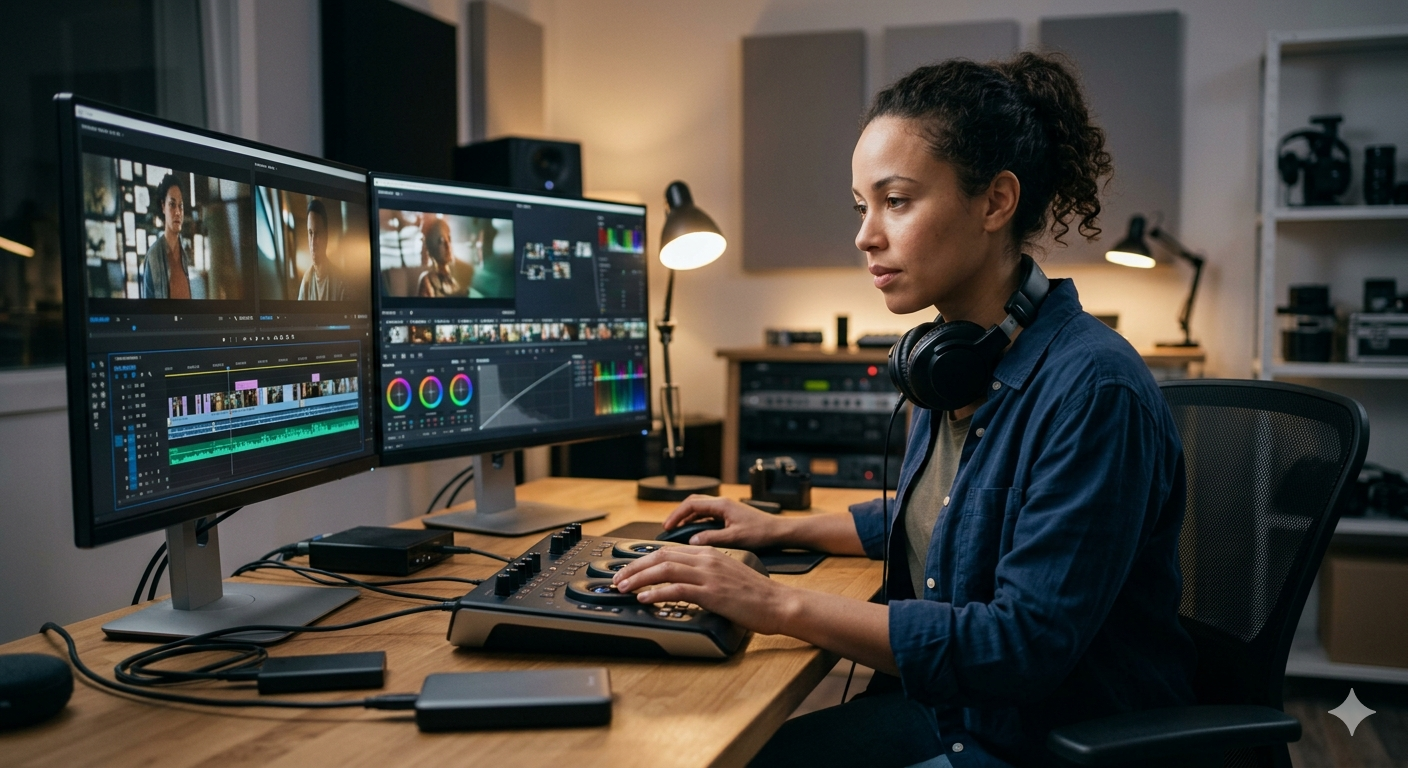
Invoicing as a video editor is more complicated than most freelance billing guides let on.
A designer can charge a flat fee and call it done. A developer can bill hourly or per sprint. But video editing involves layered deliverables, revision rounds that can spiral, music licensing, platform-specific export requirements, and the occasional question about whether the client owns the footage forever or just for three years.
If you're invoicing off a generic template, you're probably leaving money on the table or walking into scope disputes you didn't see coming.
Here's how to build an invoice that covers everything.
Start With a Clear Line Item Structure
The biggest mistake video editors make on invoices is bundling everything into one line.
"Video editing services: $3,500" gives a client nothing to evaluate. It looks like a number you made up. And when they push back on price, you have no structure to defend.
Break it out:
- Video editing (assembly to final cut): Your core editing rate
- Color grading: Separate this. It's a different skill and takes dedicated time.
- Motion graphics / titles: If you're animating, line-item it
- Audio mixing / sound design: Same principle
- Revision rounds: Include the number covered in your base rate (usually 2 to 3), then price additional rounds separately
- Music licensing fees: Pass-through at cost, or with your markup if you're handling the licensing
- Deliverable exports: If you're exporting 5 platform-specific versions (YouTube, Instagram, TikTok, etc.), that's labor worth billing
This structure protects you. When a client questions the invoice, you can walk them through exactly what they're paying for.
How to Handle Revision Rounds
Revision scope creep is the number one reason video editors get paid late or feel resentful.
The fix is in the invoice, not the conversation. State your revision policy explicitly on every invoice:
"This project includes two rounds of revisions. Additional revision rounds are billed at $[X] per round."
Put it in your notes or terms section, not buried in the email body. Clients don't read email bodies. They look at the invoice.
If you use a platform like Nvoyce, you can set default payment terms and notes that appear on every invoice automatically. You type it once, it shows up forever.
Also worth doing: number your revision rounds in your correspondence. "Round 2 feedback" in your email subject line creates a paper trail. If a client claims they only sent one round of notes and your inbox shows three separate threads, you have documentation.
Licensing Fees: The Line Item Most Editors Skip
Usage rights are where experienced editors earn more, and newer editors leave money behind.
Standard deliverable: the client can use the video on their website and organic social media. Usually included in your base rate.
Paid advertising: if the client runs the video as a paid ad on Meta, YouTube pre-roll, or Google, that's a commercial usage right. Charge for it.
Broadcast: TV or streaming platform placement is a separate licensing tier entirely.
Exclusivity: if they want to own the footage outright or prevent you from showing it in your portfolio, that's an additional fee.
These don't need to be complicated. Add a line item:
"Commercial usage license (digital paid advertising, worldwide, perpetual): $[X]"
Most clients won't blink. Clients who were going to run paid ads already budgeted for them. The ones who push back are often just confused about what they actually need. Walk them through it once and most will pay.
For a full breakdown of what to include in every invoice, see the Freelance Invoice Elements Checklist for 2026.
Payment Terms for Video Editors
Deposits matter more in video editing than in most freelance disciplines, because you're often investing significant time before delivery.
Standard in the industry: 50% upfront on projects under $5,000. For larger projects, 25 to 30% upfront with milestone payments tied to delivery stages is common.
State your payment terms on every invoice:
"Net 15 from invoice date. A 1.5% monthly fee applies to balances past due."
Keep it direct. Clients respect clear terms more than vague ones. And having the fee policy written on the invoice means you don't have to have an uncomfortable conversation if they pay late. You just apply it.
For a deeper look at payment term options, see Freelance Payment Terms Explained.
What Your Invoice Should Look Like
Here's a sample structure for a mid-size brand video project:
Notes: Includes 2 revision rounds. Additional rounds billed at $250/round. Net 15. 1.5% monthly late fee.
That invoice is clear, defensible, and professional. It also signals that you know your business.
Getting Paid Faster
The single biggest predictor of how fast you get paid is how fast you send the invoice. Send it the same day you deliver the final file. Don't wait until the end of the month. Don't let it sit in your drafts.
If a client doesn't pay by the due date, follow up. Most late payments aren't intentional. See How to Follow Up on an Unpaid Invoice Without Sounding Rude for templates and timing that work.
Nvoyce automates this. When an invoice goes overdue, the Payme feature surfaces it in your dashboard and drafts a follow-up message for you. You review it, send it, and move on. No awkward chasing required.
Related Reading
- Freelance Invoice Elements Checklist for 2026
- Freelance Payment Terms Explained: Which to Use and How to Actually Get Paid
- How to Follow Up on an Unpaid Invoice (Without Sounding Rude)
Frequently Asked Questions
How much should I charge as a freelance video editor?
Rates vary widely. Entry-level editors typically charge $25 to $50 per hour. Mid-level editors with 3 to 5 years of experience charge $75 to $150 per hour. Senior editors and specialists in color grading, motion graphics, or broadcast often bill $150 to $300 per hour or more. For project-based pricing, estimate your total hours, multiply by your hourly rate, and add a buffer for revision rounds.
Should I charge separately for color grading?
Yes. Color grading is a distinct skill that requires dedicated software (DaVinci Resolve, Lumetri Color, etc.) and takes real time. Bundling it into a general editing rate undervalues the work and makes it invisible to clients.
What payment terms are standard for video editors?
Net 15 to Net 30 is standard. Many video editors require a 50% deposit before starting work. For large projects ($5,000 and above), milestone payments tied to delivery stages are common.
Do I need to charge for music licensing?
If you're sourcing and licensing the music on the client's behalf, yes. Pass through the cost at minimum. Many editors add a 10 to 20% handling fee for the sourcing work. Make sure clients understand whether they're getting a perpetual license or a time-limited one.
How do I handle invoice disputes over revisions?
The best protection is clarity on the front end: state your revision policy on the proposal and again on the invoice. If a dispute arises, refer to the written terms. Timestamped invoices from a platform like Nvoyce serve as documentation.
What invoicing tool works best for video editors?
Any tool that supports line-item services, notes and terms, and direct payment links works. Nvoyce adds AI generation (describe the project, get a draft invoice in seconds) and automated follow-ups if the client pays late. Solo plan is $19.99/month with a 7-day free trial, no credit card required.
Start your 7-day free trial at nvoyce.ai. No credit card required.